C#'ly Into Game Dev
Intro into Game Development With C# & Unity.
What I'll Be Covering
- Terms
- Game Engines & Unity
- Programming
- Code Review
- Design
- Play Testing
Terms: (1/2)
- Engine
- Framework for building games
- Entities
- Interactable objects inside the engine
- Component
- Set of attributes and functionality for an entity
- Prefab
- Template for instantiating entities
Terms: (2/2)
- Controller
- Input and Decision Handling
- Observer
- Event based controller
- Helper
- Abstracted functionality
Game Engines
Engines & Games
Consumer
- Unity
- Assassin's Creed
- Kerbal Space Program
- Unreal
- Bioshock
- Borderlands
Enterprise
- CryEngine
- FarCry
- Kingdom Come
- R.A.G.E
- GTA
- Red Dead
What Engines Do For Us
- Audio
- Graphics Rendering
- Networking
- Physics Calculations
- UI
- Scripting
Unity V.s. Unreal
Pricing
- Unity
- Free** (up to 100K)
- Unreal
- 5% Royalty
Scripting
- Unity
- C#
- Unreal
- C++
Community
- Unity
- Indie Fan Base
- Unreal
- Bigger & older '98
Visual Comparisons
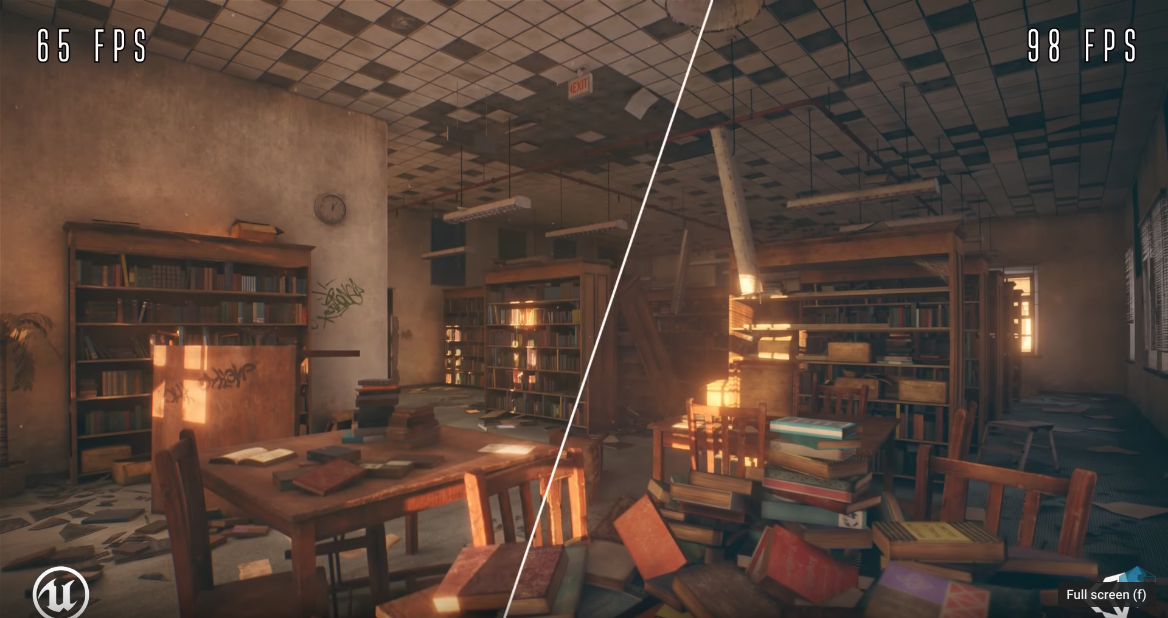
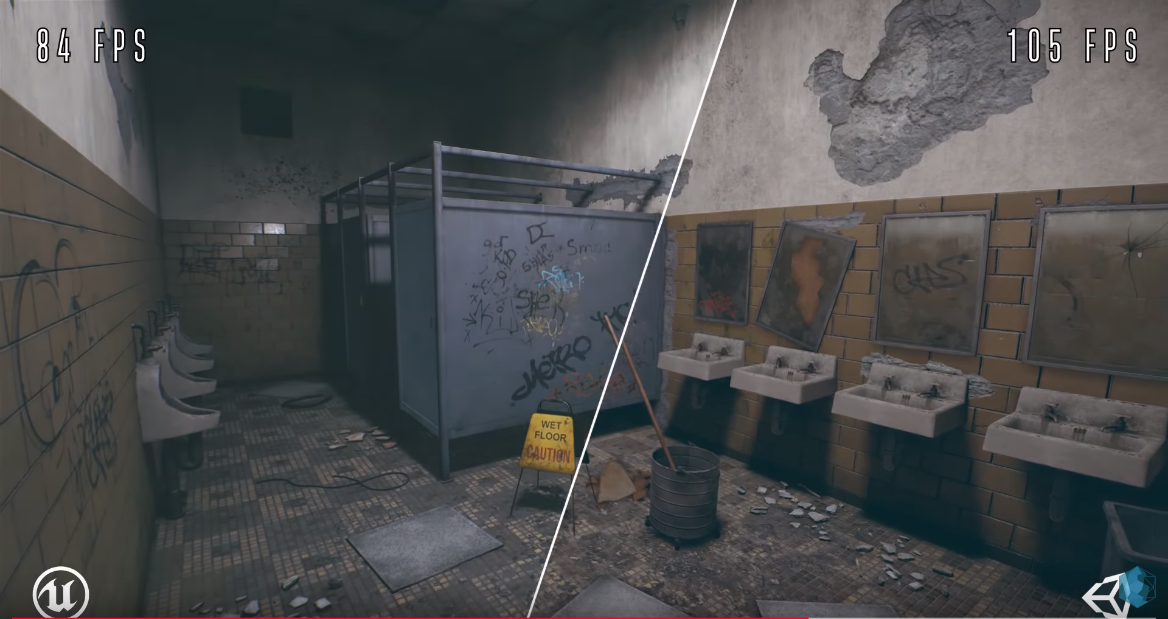
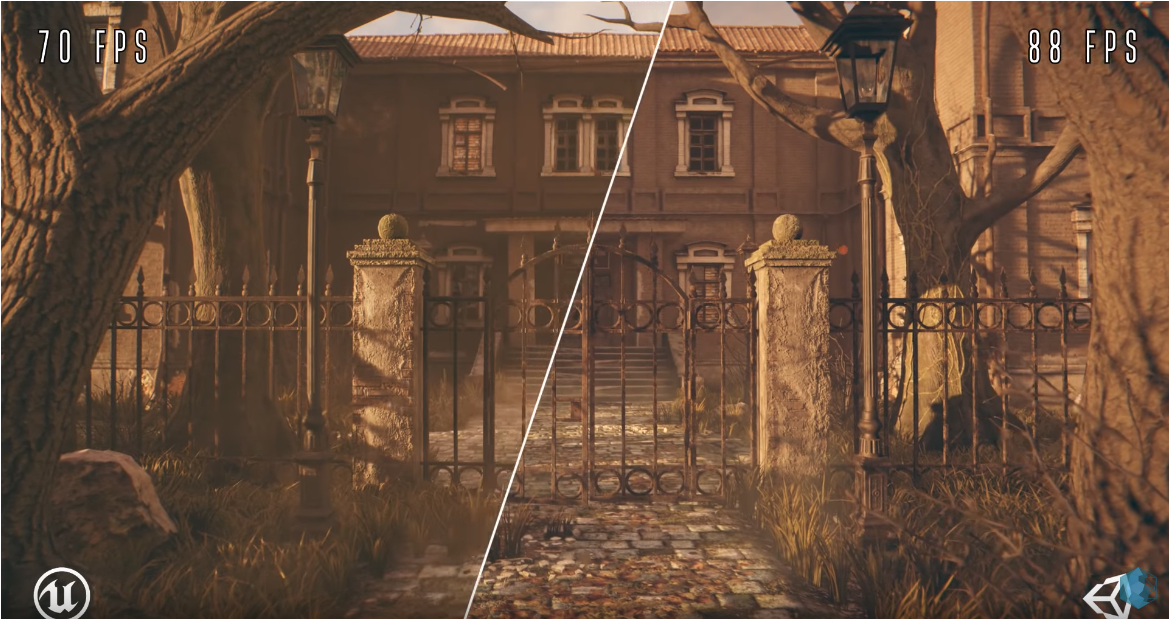
Unity: Softer Lighting, better performance**
Unreal: Realistic, Similar Look & Feel
My Feelings on Unity
-
Pros
- C#, woot!
- Pro-learning community
- Easy to prototype
- Asset store is legit
-
Cons
- Overwhelming
- Light Theme by default
- Assets are hit and miss

Getting To Know Unity
The User Interface
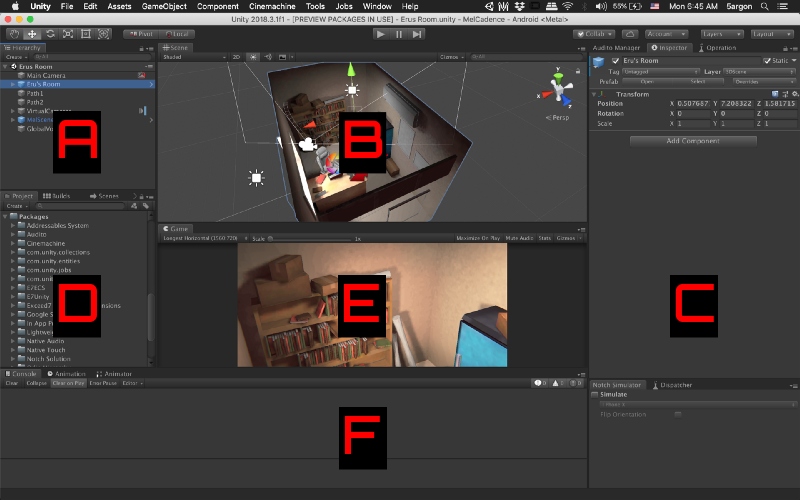
A: Object Hierarchy | B: Scene Display | C: Object Inspector
D: File Hierarchy | E: Game Display (Camera) | F: Console Log
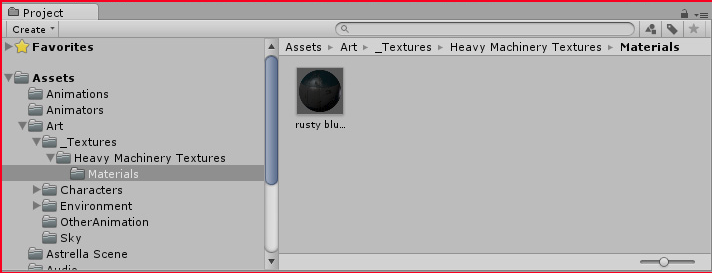
Assets
- Files in your project's asset directory
- Images: .png, .jpg, .svg
- Audio: .mp3, .oqq, .wav
- Video: .ogv, .vp8, .webm
- Data: .xml, .json, .csv
Scenes
- Scenes are individual levels in a game
- Instantiated Game Entities
- Data is lost when transferring between scenes**
- Saved as individual files in a unity project
Components
- Scene Manager
- Controller for transferring between scenes
Building Your First Game
- Start a New Unity Project
- Save the Scene
- File -> Build
- Add Your Scenes
- Choose Your Platform
- Build
Game Programming
The MonoBehavior Object
One Object To Rule Them AllImportant Functions:
- Start
- Called on the first frame of the game
- Update
- Called every frame of the game
- Fixed Update
- Update function except it's better for physics
Basic Mono Script
                        using System;
                        using UnityEngine;

                        public class ScriptName : MonoBehaviour
                        {
                            // Start is called before the first frame update
                            void Start() {}
                            // Update is called once per frame
                            void Update() {}
                        }
Controllers
The game's steering wheel (Direct Influence)-
Responsibilities
- State Management
- Fire Game Events
- Entity Specific Actions
- Entity Data I/O
-
Examples
- Player Controller
- Entity Spawner
- NPC Controller
Observers
The game's speedometer (Indirect Influence)-
Responsibilities
- Event Listening
- Data Handling
- State Flow
-
Examples
- Game Manager (Pattern)
- Score Keeper
- UI Handler
- Scene Manager
Collision Handling
The game's tires-
Triggers
- No physics required
- Doors and buttons
- Boolean value
-
Collisions
- Physics required
- Effects rigidBody
- Performance impacted
Uses both Controllers and Observers
DemoArtificial Intelligence
The game's internal computer- Fancy word for a bunch of if / elses
- Algorithm intensive
- Easy to fake, but tough make it real
Things To Google
Pathfinding Algorithm | Maze Generation | Raycasting | How to build an AI
Demo (The AI is unbeatable)Code Review
Game Design
STOP!!
If your game is not fun to play at this point go back!
Everything from here on out is icing on the cake.Game Art
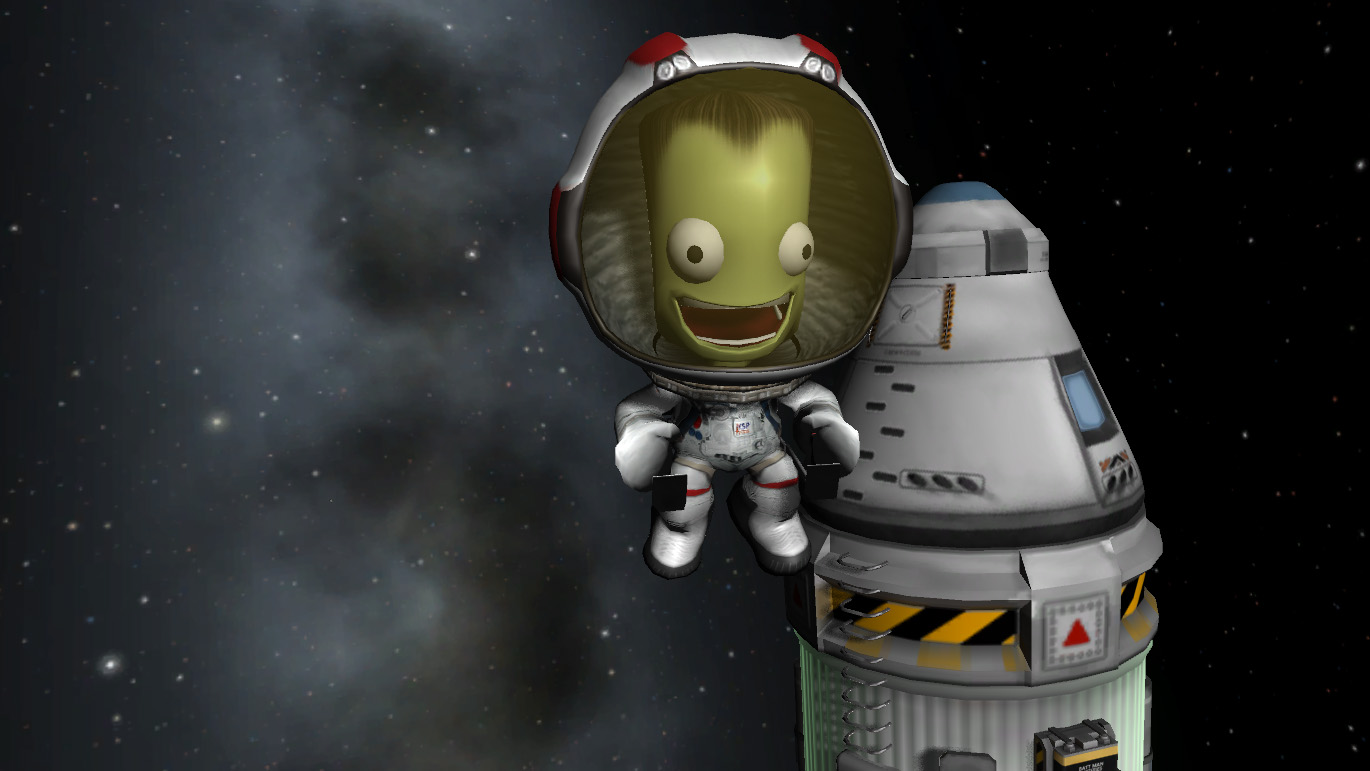
3D: Objects
- Ambient Occlusion
- Shaders
- Bump Maps
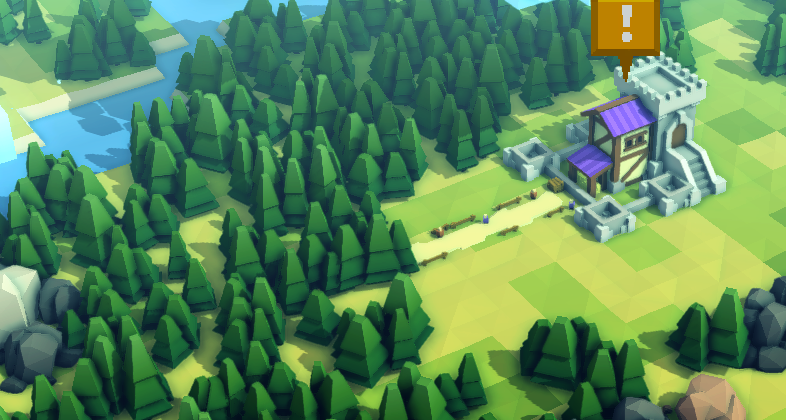
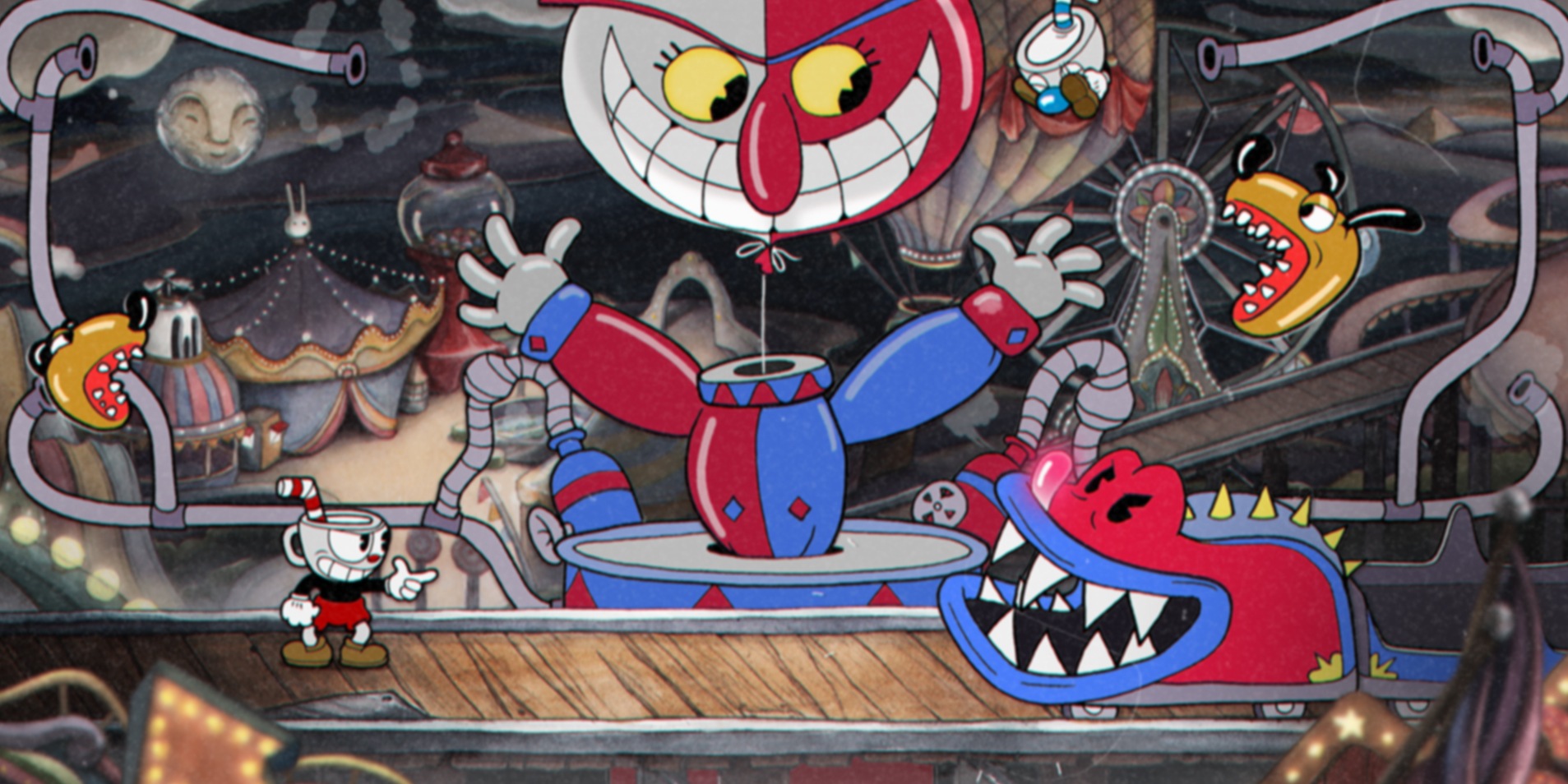
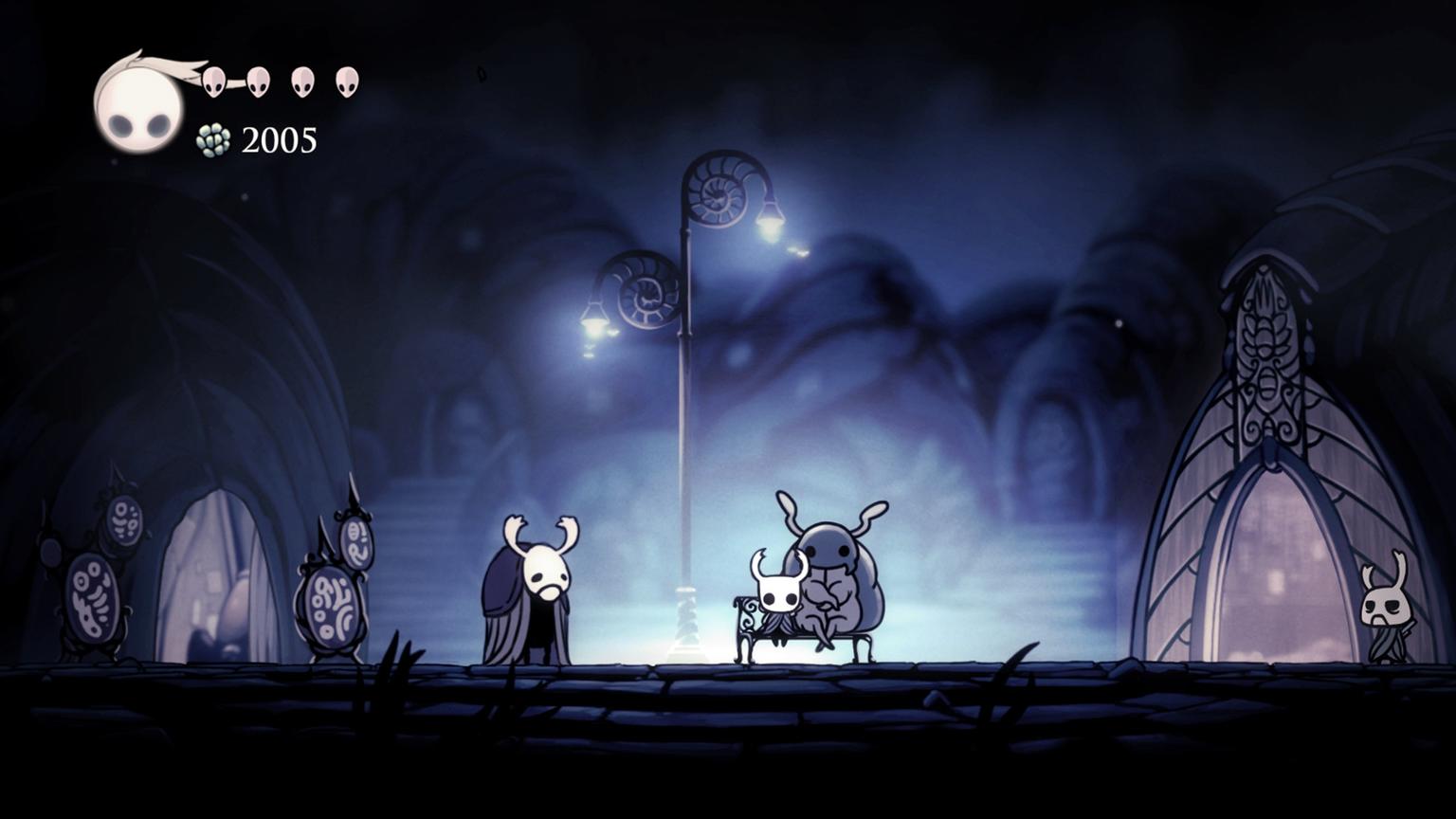
2D: Sprites
- Pixelated
- Vector
- Hand Painted
Software:
Affinity Designer | Blender | Pyxel Edit
DemoSome Interesting Game Art
3D
2D
Particles
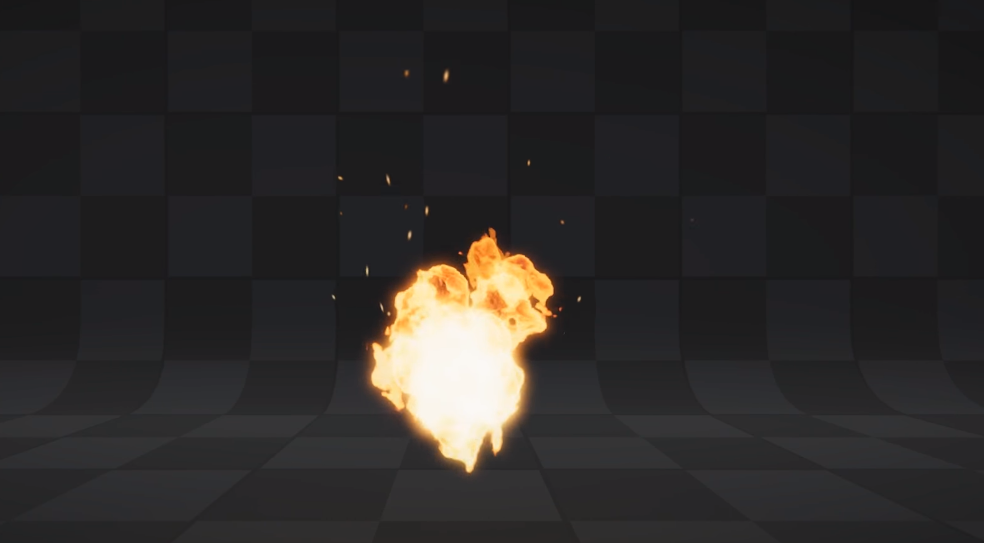
Over Lifetime
- Velocity
- Speed of the particle emitted.
- Color
- color of the particle.
- Shape
- Shape of the emitter. (Cone, Sphere, Mesh. etc)
Game Audio
- Main Track : simple, loopable, low volume
- Atmospheric Tracks : mid volume, use sparingly
- Action Indicators : high volume, direct action
Software:
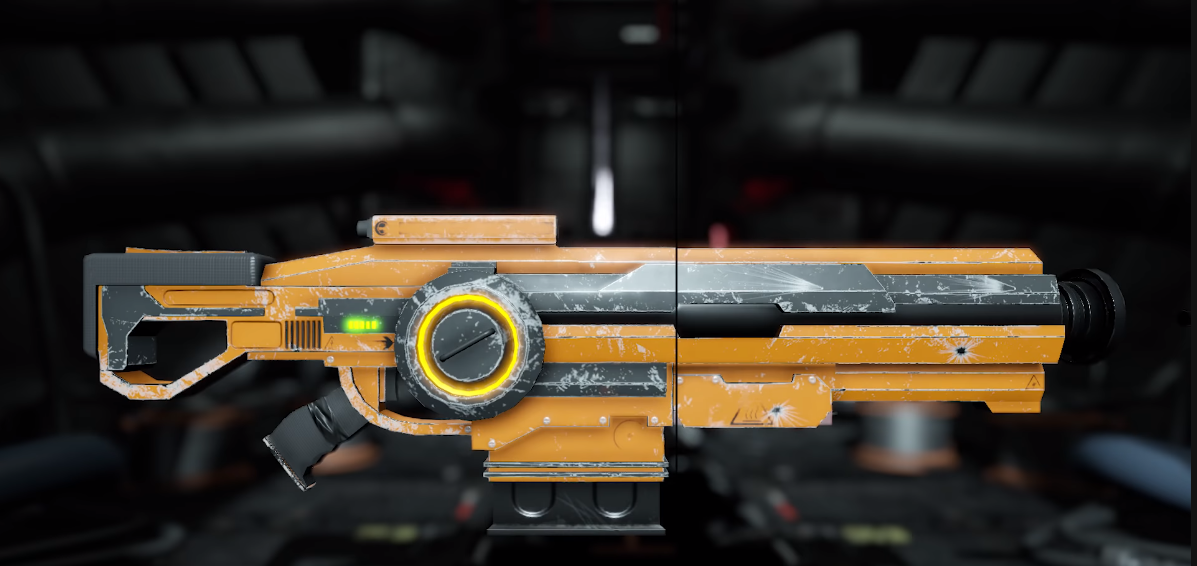
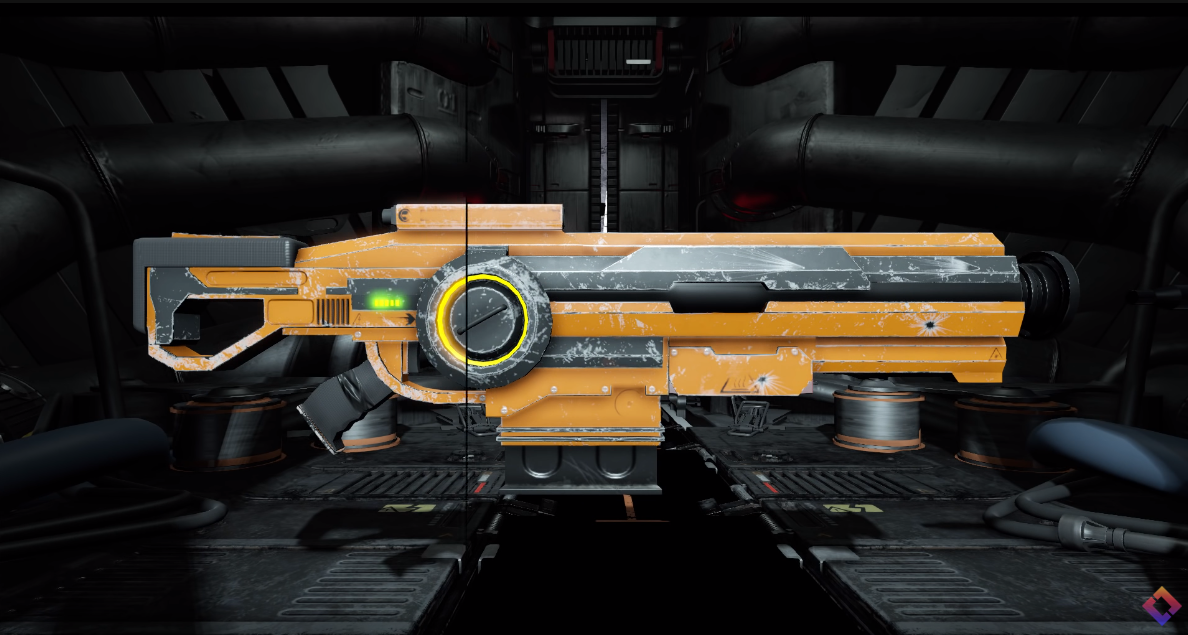
DemoPost Processing
We'll fix it in post!- Anti-Aliasing:
- Smooths out jagged edges, sharper image
- Bloom
- Bleeds light from bright objects into scene (glow)
- Color Grading
- Controls the image's color, contrast, and exposure
- Depth of Field
- Applies focus to objects within camera threshold
Post Examples
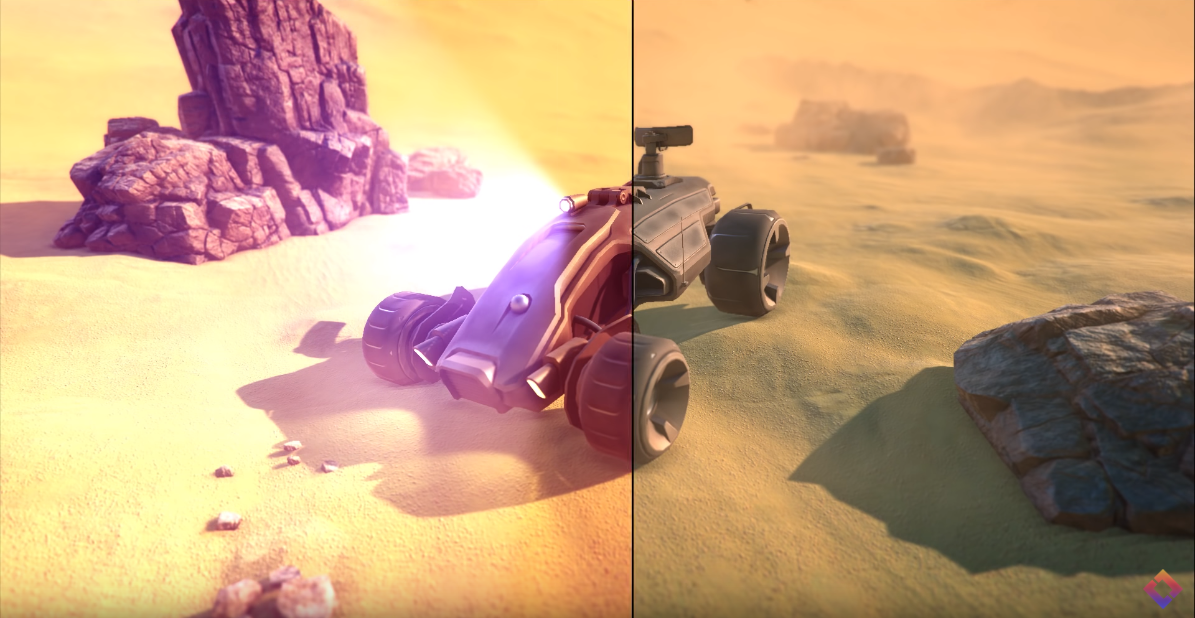
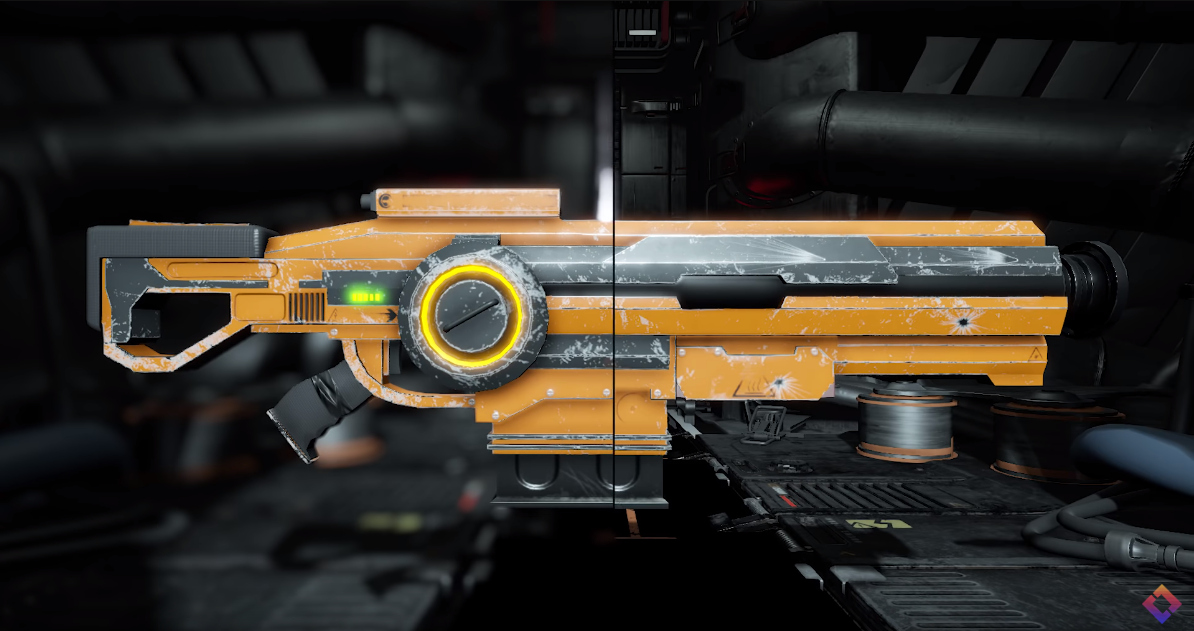
Finished Product
PongResources
Any Questions?
Contact & Slides Info
Twitter: @AimlesslyAmos | Github: AmosGarner | KnoxDevs Slack (agarner)
me.bitfiend.com/contactme.bitfiend.com/presentations/